
Connectivity in the Pearl of Africa
In the decade’s past, embarking on an African safari meant disappearing into the dark continent, leaving behind letters and landlines for weeks at a time. Today, the landscape has shifted dramatically. Uganda, known as the Pearl of Africa, has leaped over the traditional infrastructure of landlines and gone straight into the mobile revolution.
As you prepare for your Uganda safari, you can rest assured that keeping in touch with friends, family, or even the office back home is easier than ever. From the bustling streets of Kampala to the misty fringes of Bwindi Impenetrable Forest, Uganda offers surprisingly robust network coverage. This guide provides an exhaustive look at how to navigate the digital world while you explore the wild one.
1. The Mobile Internet Revolution in Uganda
The backbone of Uganda’s connectivity is its mobile broadband network. Unlike many Western countries that rely heavily on fiber-to-the-home, Uganda is a mobile-first nation. This means that even in remote villages, you will often see locals using high-speed 4G (and increasingly 5G) data on their smartphones.
The Major Providers: MTN vs. Airtel
There are two giants in the Ugandan telecommunications space that you need to know: MTN Uganda and Airtel Uganda.
- MTN Uganda: Often considered the market leader in terms of sheer footprint. If you are heading to the extreme north (Kidepo Valley) or deep into the western craters, MTN often provides the most consistent signal.
- Airtel Uganda: Known for aggressive data pricing and excellent speeds in urban centers and major national parks like Queen Elizabeth and Murchison Falls.
Both networks offer 4G LTE coverage in most towns and hotspots of 5G in the capital, Kampala. For a traveler, the difference between the two is marginal; both will serve you well on a standard safari circuit.
Buying and Registering a SIM Card
Uganda has strict mandatory SIM card registration laws. You cannot simply buy a card from a street vendor and start browsing.
- Where to Buy: It is highly recommended to buy your SIM card at Entebbe International Airport upon arrival. Both MTN and Airtel have kiosks located just outside the arrivals hall.
- What You Need: You must present your original passport. The agent will take a photo of your passport and a live photo of you for biometric registration.
- Cost: A SIM card usually costs about 2,000 to 5,000 UGX ($0.50 to $1.30 USD). You will then need to load Airtime to buy a data bundle.
2. Navigating Data Bundles and Costs
Internet in Uganda is sold in bundles rather than an open-ended monthly bill. These bundles are categorized by time (Daily, Weekly, Monthly) or volume (e.g., 10GB).
Sample Pricing (Approximate)
- 1GB (Daily): ~2,000 UGX ($0.50)
- 5GB (Weekly): ~15,000 UGX ($4.00)
- 20GB (Monthly): ~50,000 UGX ($13.00)
Pro Tip: If you plan on uploading high-definition videos of your gorilla trek to Instagram or TikTok, opt for a larger monthly bundle. It is significantly cheaper than buying small daily increments.
Understanding OTT and Social Media Taxes
In previous years, Uganda implemented a social media tax. While the direct daily tax has been replaced by an excise duty on data, you should be aware that data is sometimes throttled during politically sensitive times. However, for 99% of your trip, your access to WhatsApp, Facebook, and X (Twitter) will be seamless and fast.
3. The Shared Connection
What happens if your phone is network locked to a provider like Verizon, AT&T, or Vodafone back home? If your phone won’t accept a Ugandan SIM, you have three main workarounds:
Using Your Guide’s Hotspot
Ugandan safari guides are some of the most tech-savvy professionals in the industry. Most guides maintain a generous data plan to stay in touch with their base office. If you only need to check emails or send a quick WhatsApp message, your guide can turn on their Mobile Hotspot. This allows you to connect via Wi-Fi to their phone’s data.
Purchasing a Mi-Fi Device
A Mi-Fi is a small, battery-powered router that fits in your pocket. You insert a local SIM card into it, and it creates a private Wi-Fi cloud for up to 10 devices.
- Advantage: You can keep your home SIM in your phone (to receive emergency SMS) while using the Mi-Fi for all your data needs.
- Battery Life: Most Mi-Fis last about 6–8 hours on a single charge perfect for a full day out in the savannah.
International Roaming (The Expensive Way)
You can use your home SIM card, but be warned: roaming charges in East Africa are astronomical. Unless you have a specific international plan (like T-Mobile’s global roaming), you could easily rack up hundreds of dollars in charges for just a few megabytes of data. Always turn off Data Roaming in your settings before you land in Entebbe.
4. Wi-Fi in Lodges: What to Expect
While Public Wi-Fi (the kind you find in Starbucks or European city squares) is virtually non-existent in Uganda, the hospitality industry has filled the gap.
The Lounge Only Rule
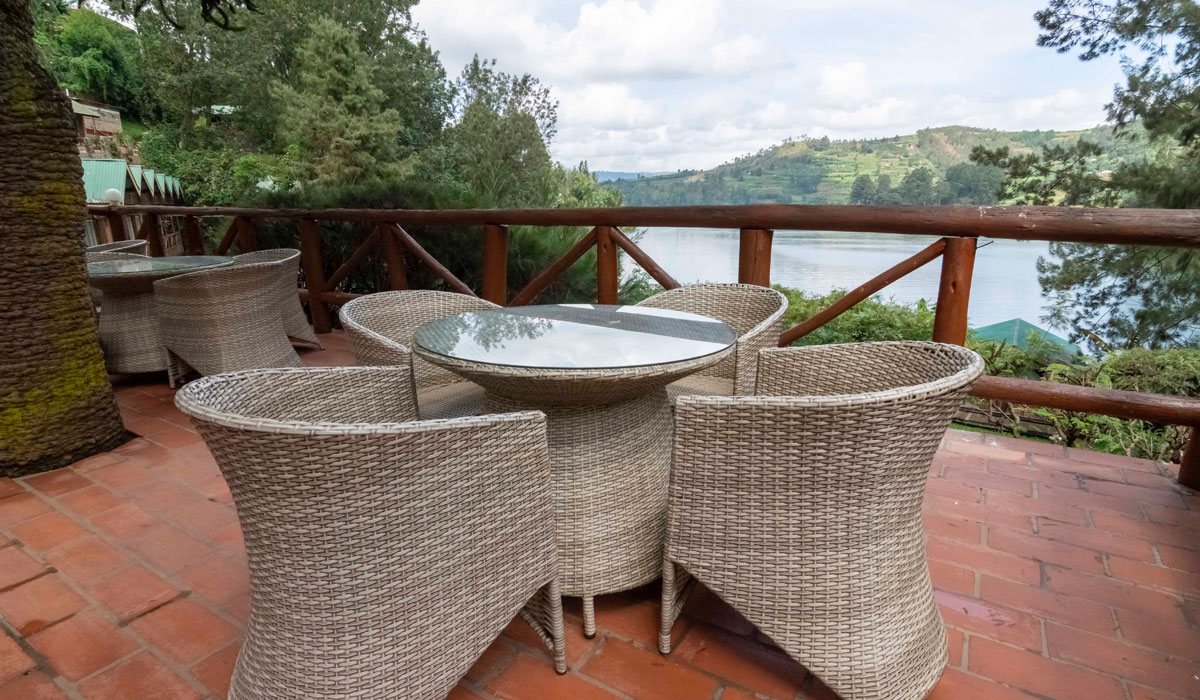
Most safari lodges especially those in the mid-range to luxury category provide Wi-Fi. However, due to the thickness of the walls (often stone or canvas) and the remote locations, the Wi-Fi signal is usually restricted to the Main Lounge and Dining Area.
Don’t expect to stream Netflix in your private tent in the middle of Queen Elizabeth National Park. Instead, use the evening hours in the lounge to sync your photos while sipping a Nile Special beer by the fireplace.
Speed and Reliability
Lodges often use satellite internet (like Starlink) or long-range directional antennas. While Starlink has significantly improved speeds in the bush, traditional satellite internet can have high latency. This means:
- Good for: WhatsApp, Email, Basic Web Browsing.
- Bad for: Zoom calls, gaming, or uploading 4K video files.
5. Dead Zones: Embracing the Digital Detox
There are places in Uganda where the signal simply cannot reach. These are often the most beautiful parts of the country.
- Bwindi Impenetrable Forest: The deep valleys often block signals. You might have 4G at the top of the ridge and No Service at your lodge down in the valley.
- Kidepo Valley: Located in the far northeast near the Sudanese border, this is the most remote park. Expect connectivity to be intermittent at best.
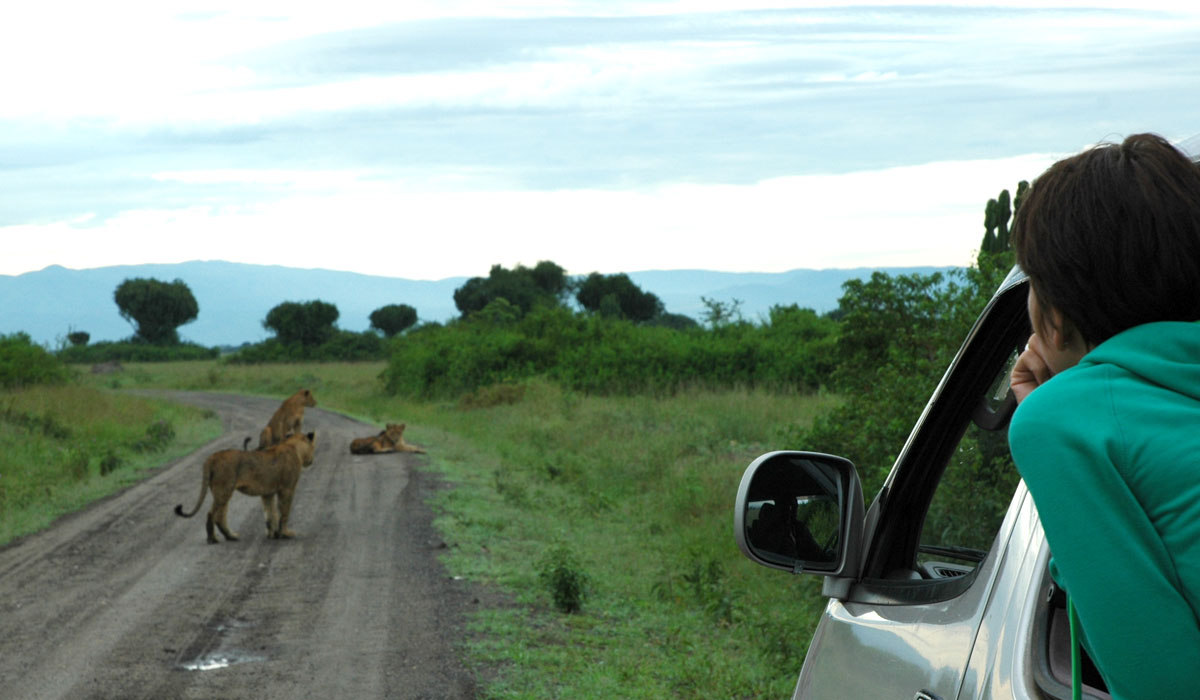
- Night Drives: When you are deep in the heart of the park at night, signals can drop. This is a blessing; it allows you to focus on the sounds of the African night the hoot of an owl or the distant roar of a lion.
Safety Note: Even if you lose data, your guide is equipped with a high-frequency (HF) radio or a satellite phone for emergency communication with the park wardens and the head office.
6. Helpful Apps for Your Uganda Safari
To make the most of your connectivity, download these apps before you leave home:
- WhatsApp: This is the universal language of communication in Uganda. From your safari coordinator to the lodge manager, everyone uses WhatsApp.
- Google Maps (Offline): Download the map of Uganda for offline use. Even if you lose signal, your GPS will still work.
- eBird or Merlin Bird ID: Uganda is a birding paradise. These apps help you identify the 1,000+ species you might encounter.
- XE Currency Converter: Essential for calculating the exchange rate between the Ugandan Shilling (UGX) and your home currency.
- VPN (Virtual Private Network): For security when using shared lodge Wi-Fi and to access home-based streaming services that might be geo-blocked.
7. Powering Your Devices
Internet access is useless if your battery is dead.
- Voltage: Uganda uses the British-style Type G plug (three square pins) and 240V.
- On the Road: Most safari vehicles are equipped with inverters and charging ports. You can charge your phone or camera batteries while driving between parks.
- Solar Power: Many eco-lodges run entirely on solar power. They may ask you to charge your heavy devices (laptops/tablets) during the day when the sun is out, rather than at night when they are drawing from batteries.
8. Social Etiquette and Digital Photography
Having the ability to post in real-time is a luxury, but it comes with a social responsibility.
- Silence the Shutter: When you are near a gorilla family or a lion pride, the sound of a constant camera shutter or a loud ping from a notification can be disruptive to the animals and other travelers. Keep your phone on silent.
- Ask Before You Film: If you are visiting a local village or market, always ask for permission before taking photos or videos of people. A simple May I? goes a long way.
- Live in the Moment: It is tempting to view the entire safari through your phone screen. We recommend taking your photos, then putting the phone away to experience the raw, un-filtered beauty of the Pearl of Africa.
9. Modernity in the Wild
One of the biggest misconceptions about Africa is that it is behind in technology. In reality, Uganda’s mobile money system (MTN Mobile Money and Airtel Money) is more advanced than banking systems in many Western countries.
Locals use their phones to pay for everything from groceries to utility bills. You will see solar panels on grass-thatched huts and farmers checking crop prices on smartphones. This blend of ancient tradition and cutting-edge tech is what makes Uganda so fascinating.
Final Thoughts
Technology has undeniably made travel easier. The ability to video call your family while watching a sunset over the Nile is a miracle of the modern age. It provides a safety net and a way to share the joy of discovery as it happens.
However, remember that you came to Uganda to escape the routine of your daily life. Use the internet to stay safe and stay in touch, but don’t let it tether you to the world you left behind. Let the 4G signal be your tool, but let the wilderness be your focus.
Uganda is as modern as anywhere else, but its soul is found in the places where the Wi-Fi doesn’t reach.